
Request a peering session with AS213052 through our new portal
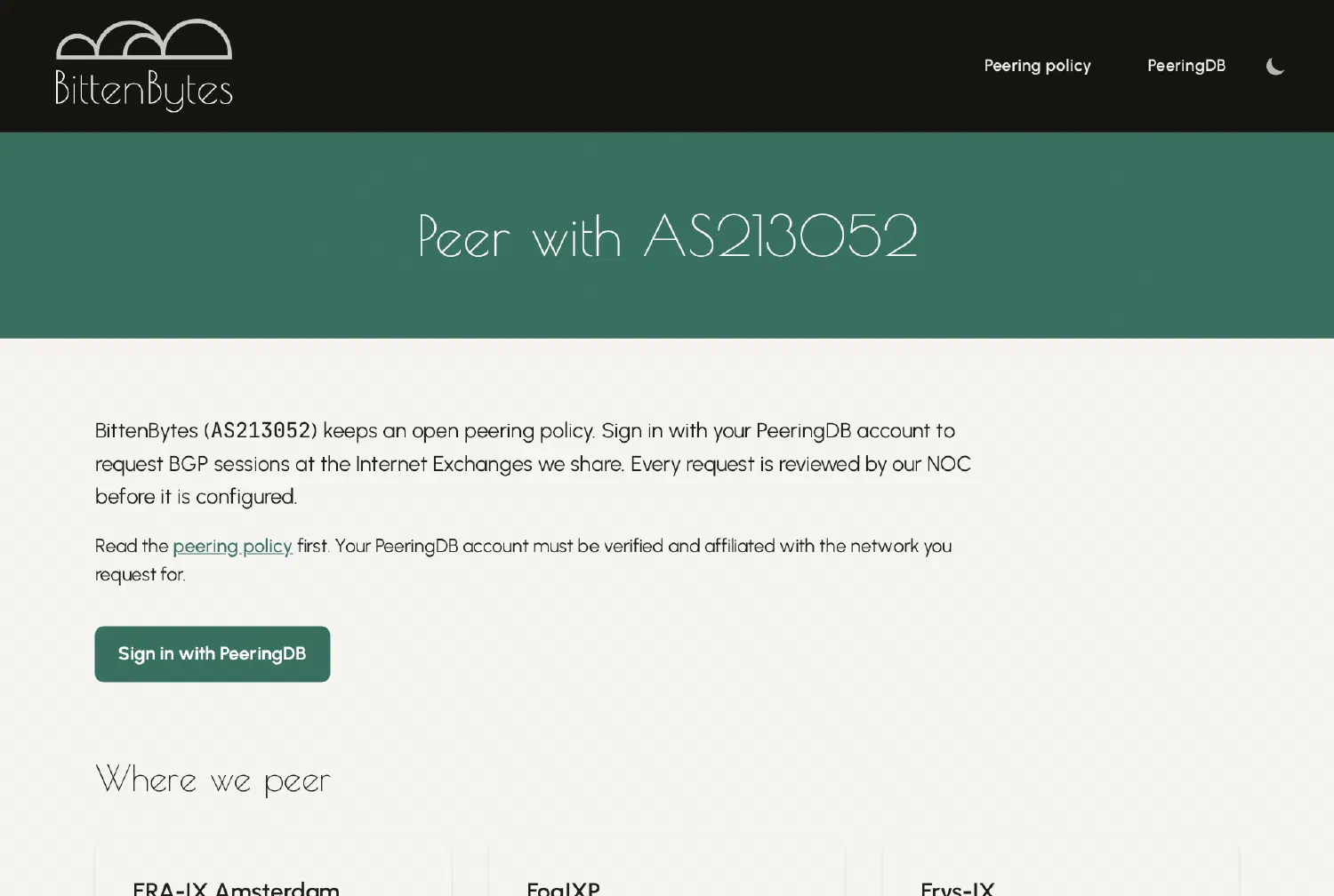
Until now, peering with AS213052 meant sending an e-mail with a link to your PeeringDB page and the exchange you had in mind. That works, but it leaves the details to a back-and-forth. The new peering portal at peering.bittenbytes.net puts the request in one place.
How it works
- Open the portal and sign in with your PeeringDB account.
- Pick the network you are requesting for. Your PeeringDB account must be verified and affiliated with that network.
- Request BGP sessions at the Internet Exchanges we share.
Every request is reviewed by our NOC before anything is configured. The peering policy still applies: we are open to peering, we set up IPv4 and IPv6 on every mutual exchange unless agreed otherwise, and we drop RPKI Invalid routes.
Where we peer
The portal lists every exchange with our IPv4 and IPv6 peering addresses and the port speed, so you can check the details before you ask:
| Internet Exchange | Port |
|---|---|
| ERA-IX Amsterdam | 10G |
| FogIXP | 1G |
| Frys-IX | 10G |
| NL-ix | 10G |
| Speed-IX | 10G |
| nine | 10G |
Why PeeringDB sign-in
Your PeeringDB record already says which networks you run and where you are present. Signing in with it means we do not have to ask you for that again, and it ties each request to an account that PeeringDB has verified.
Try it
Check the peering policy, then open the portal and send your request. If something does not work, you can still reach us at peering[at]as213052.net.